




No Boring Work. Nodie Does It.
Build workflows that become standalone apps in minutes — automation you can trust, replicate, and customize at any scale.


Use Nodie as Workflow
Each workflow is a complete, working system.
See how agents reason, plan, and execute tasks across real tools - step by step.
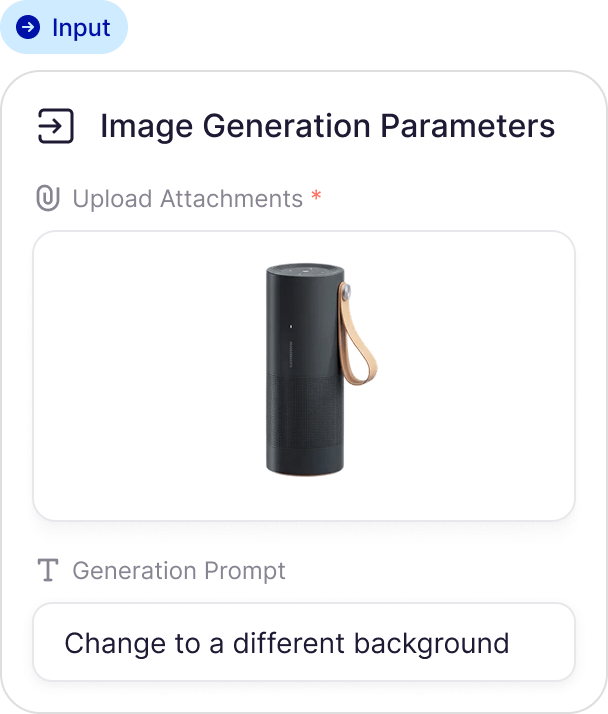
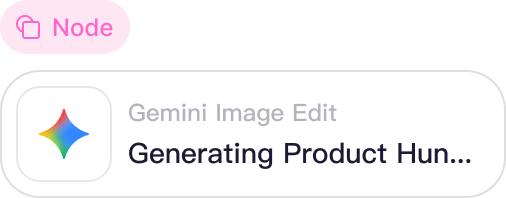
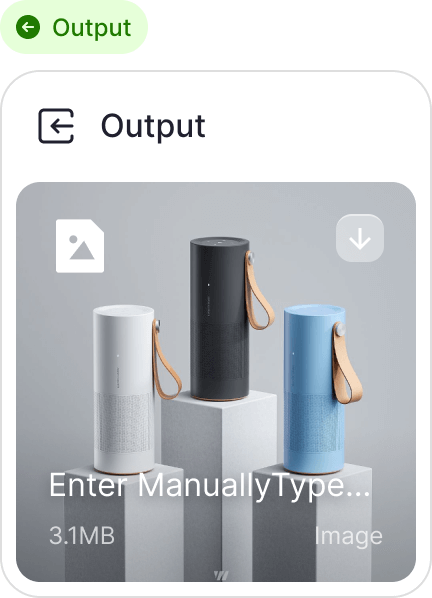


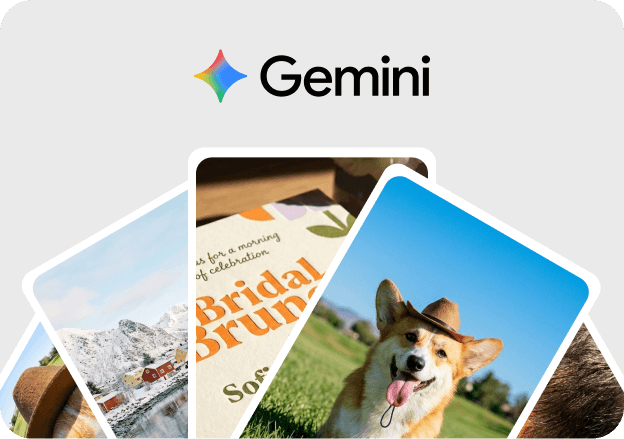
✅ I've created the AI Image Style Transfer workflow. This workflow allows you to provide a reference image and a prompt, then uses Gemini AI to generate a new image that blends the style of the reference with your description.
Workflow Summary
- Start: A manual trigger to initiate the process.
- Get User Input: Collects the
reference_imageURL and yourpromptdescription. - Apply Style Transfer: Uses the Gemini Image Edit node to perform the transformation.
- Final Output: Displays the resulting image.
⚠️ Action Required
To make this workflow operational, you need to address the following:
- Get User Input (
user_input): When you run the workflow, you will need to provide a valid image URL (e.g., from Unsplash or another public source) and a descriptive prompt. - Apply Style Transfer (
apply_style_transfer): The initial build used mock data because the placeholder image URL was invalid. Ensure that you provide a real, accessible URL when running the node to generate actual results.
Templates
Use Nodie as APP
Zero setup. Immediate automation. Pick a Nodie app, add your details, and run instantly.
Build AI workflow automation with full control
Create intelligent automations tailored to your needs. Start from templates or build from scratch. AI agents help you create reliable automations that work consistently every time.
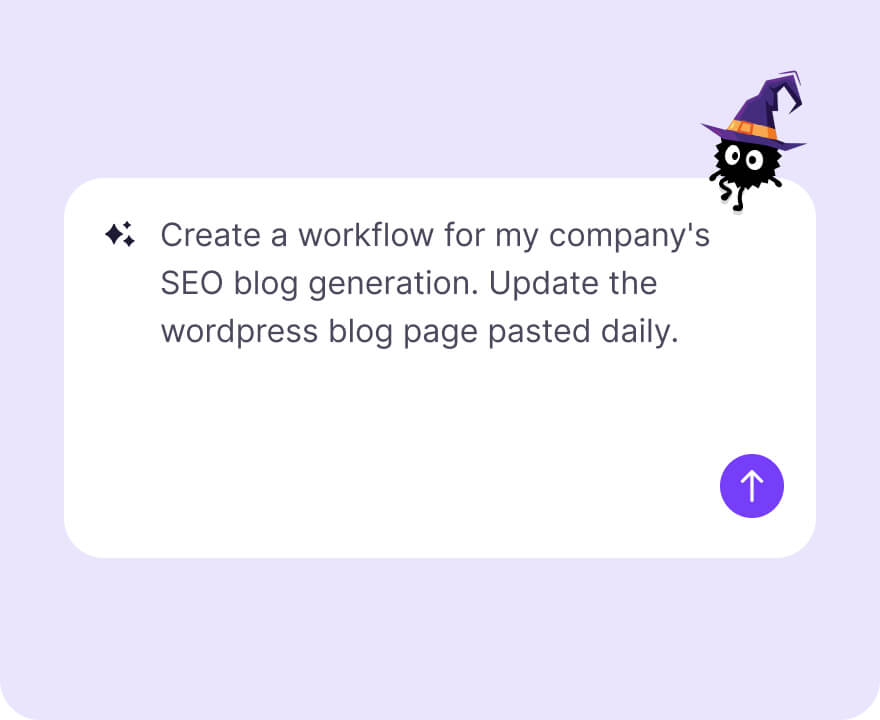
Describe your task
Explain your target in natural language. Nodie clarifies requirements, maintains context, and proposes execution plans.
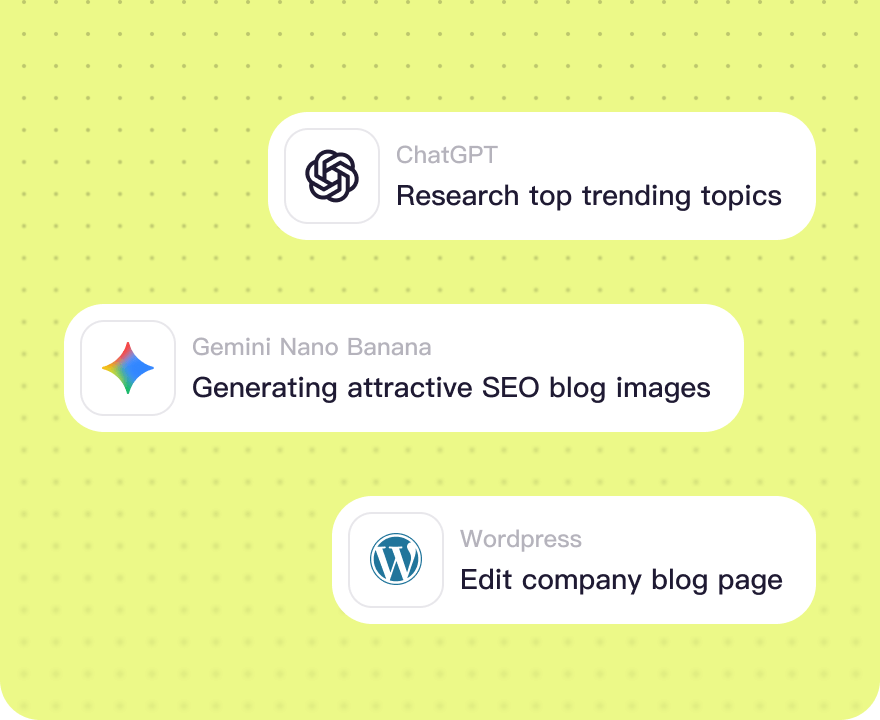
Review the Workflow Plan
See every step of your AI workflow automation. Pull from apps, scrape data, generate content, and chain operations.
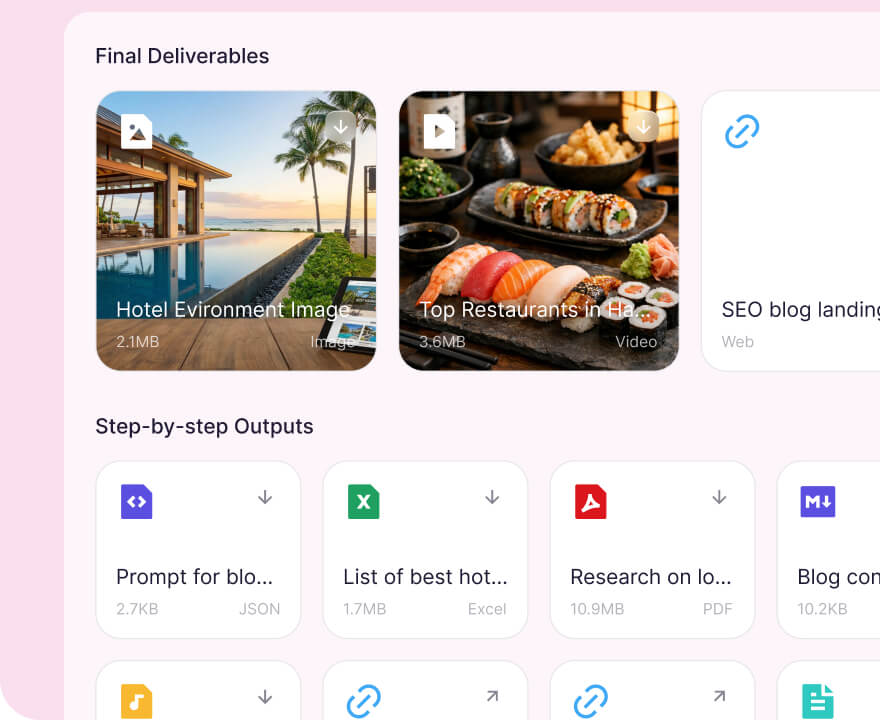
Publish as App
Turn your workflow into a one-click app. Results automatically go to Google Sheets, email, databases, or any tool you choose.
Why Nodie
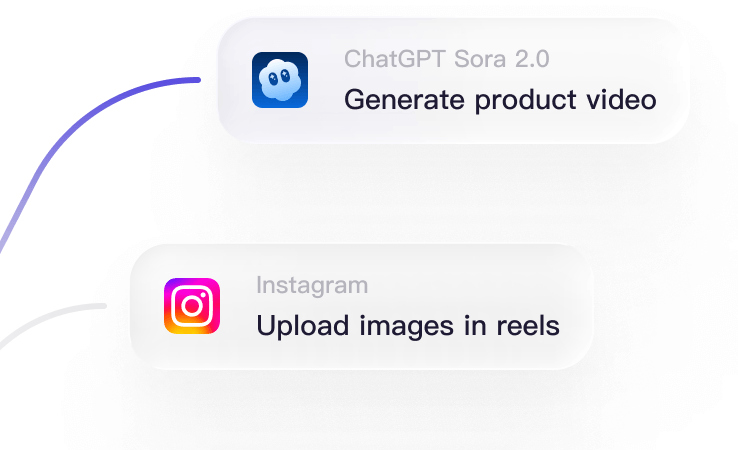
Build Automation Instantly
Pick from pre-built workflows or describe what you need in plain English. AI builds it for you. Either way, you go live in minutes.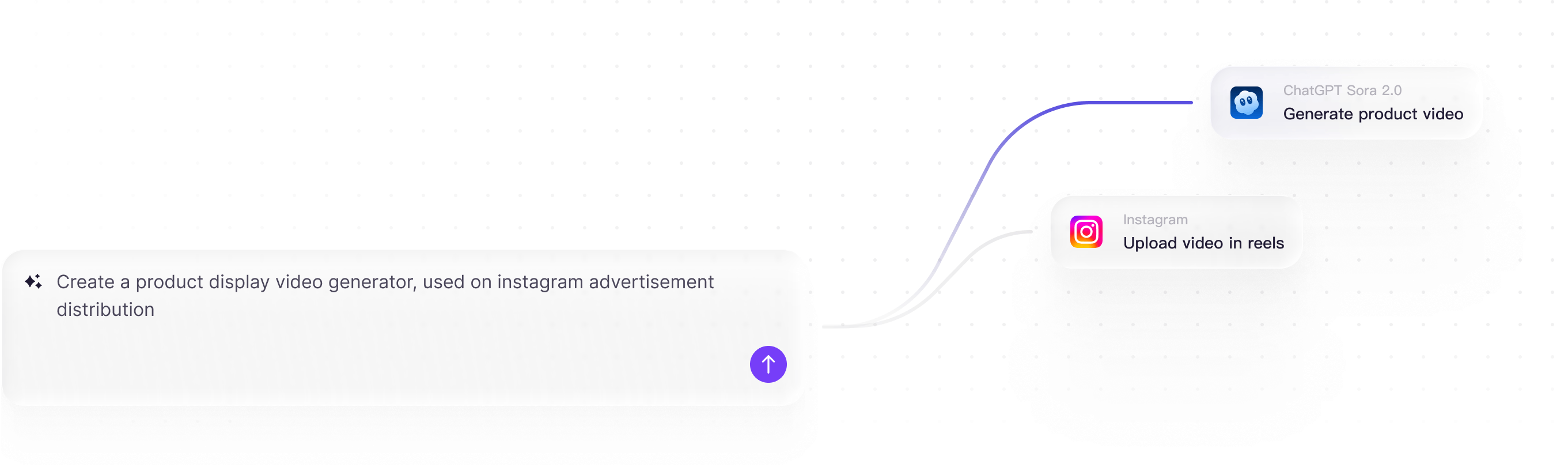
Reliable AI
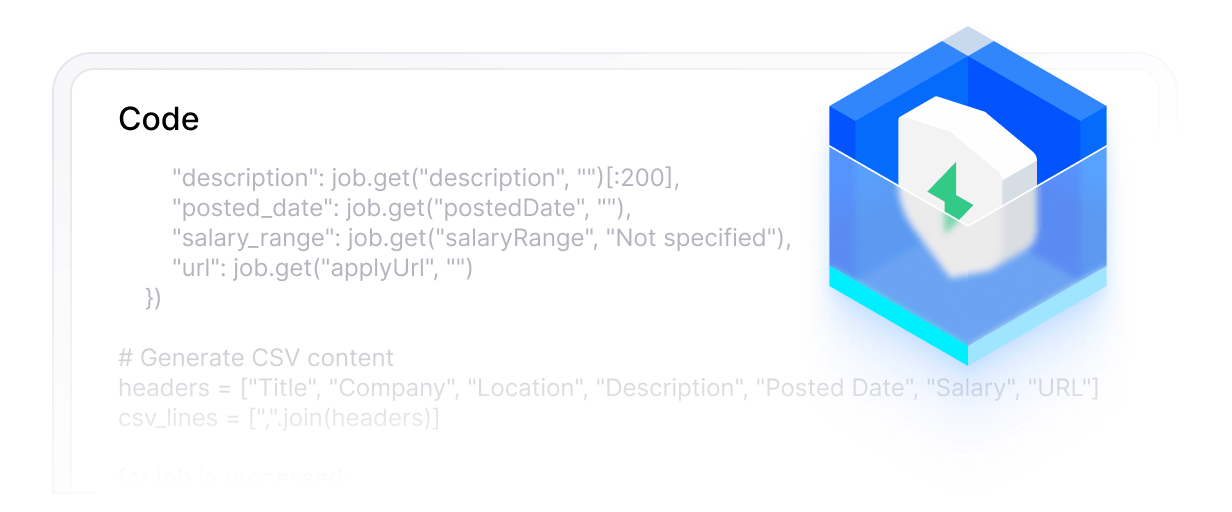
Built-in safety checks, sandboxed code execution, and human approval steps when needed. Your AI agents work reliably without going off track.
Effortless Operations
Fully cloud-hosted with hundreds of app integrations. Fetch data, generate content, and deliver results on schedule. Error monitoring and logs keep everything running smoothly.